Fastfetch KDE Splash v1.5
|
|
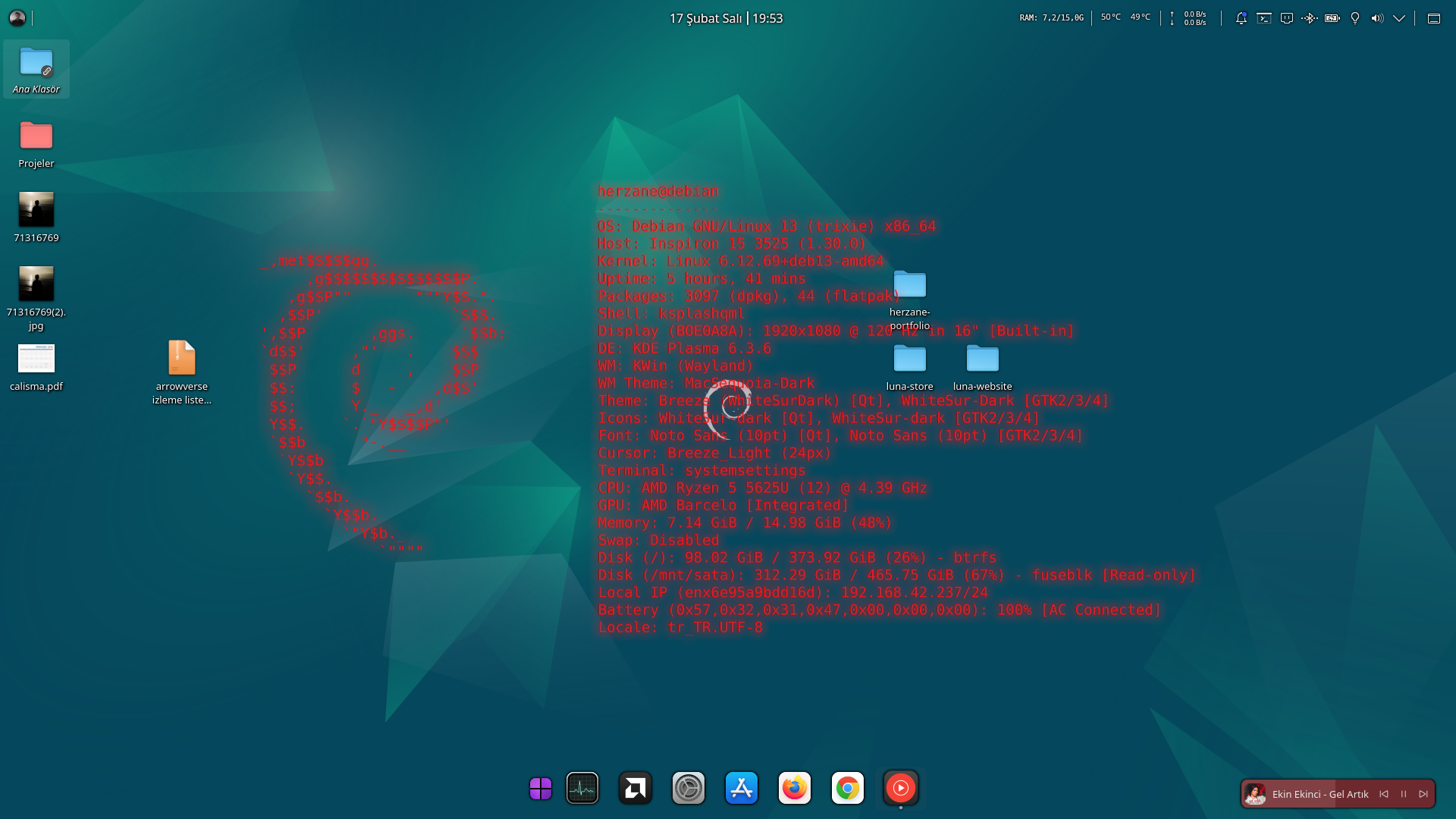
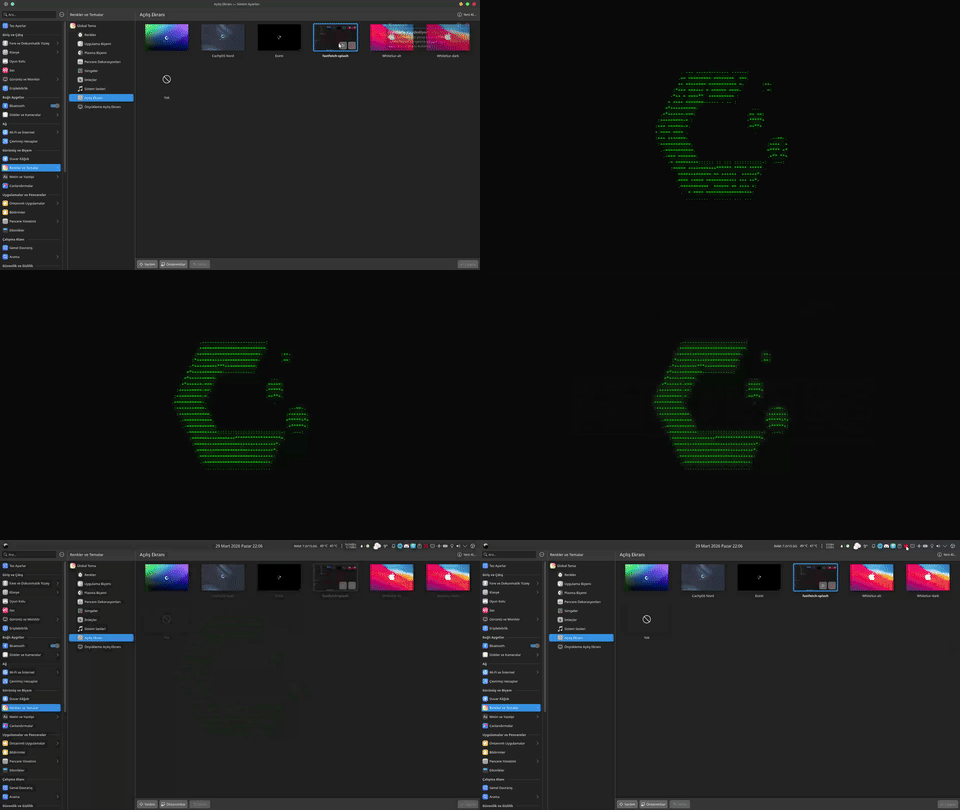
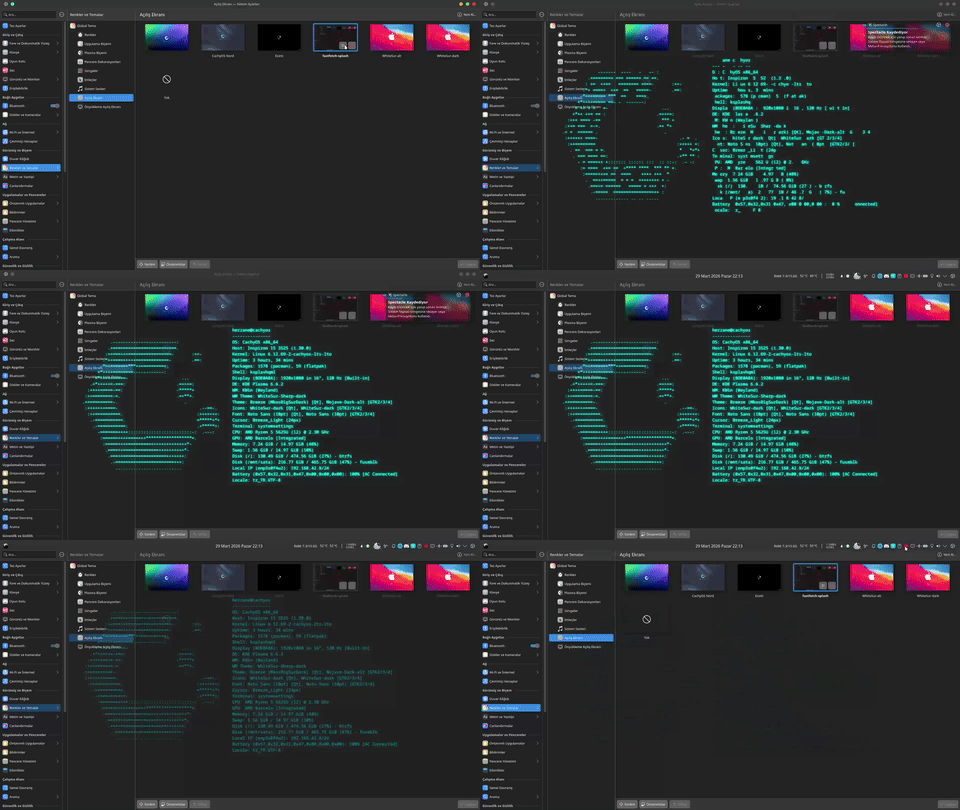
A "hacker/matrix style" splash animation for KDE Plasma using fastfetch.




🌟 Features
- Color Selection: Freely choose any theme color you want.
- Logo & Info Layouts: Choose between logo-only or "full" mode with all details.
- Background Settings: Set the background color or make it transparent.
- Adjustable Animation Speeds (v1.5): Choose between Normal, Fast, and Slow during installation.
📋 Requirements
- KDE Plasma: Version 5 or 6.
- Fastfetch: Must be installed on your system.
- Qt5Compat.GraphicalEffects: Required for visual effects.
🛠️ Installation and Configuration
1. Using the Installation Script (Recommended)
The install.sh script automates everything:
- Asks for your preferences (color, layout, background).
- Copies files to the correct directory (
~/.local/share/plasma/look-and-feel/fastfetch-splash). - Automatically completes the configuration.
# to clone the repository
git clone https://github.com/herzane52/fastfetch-kde-splash.git
cd fastfetch-kde-splash
# to give permission to run the installation script
chmod +x install.sh
# to run the installation script
./install.sh
2. Manual Configuration (Store Users)
If you installed the theme via KDE Store, you will encounter the "Configuration Required" error. To fix this, you can manually edit the following file (see lines 10-13):
nano ~/.local/share/plasma/look-and-feel/fastfetch-splash/contents/splash/Splash.qml
- Open the
Splash.qmlfile. - Set
property bool isConfiguredtotrue. - Customize
themeColor,displayMode,bgColor, and Animation Speed settings (glitchInterval,introDuration, etc.) according to your preference. Each property is documented with comments inside the file.
🚀 Usage
- Open System Settings.
- Go to the Appearance > Splash Screen tab.
- Select fastfetch-splash from the list and click Apply.
Development and Quick Test
You can quickly test the splash screen using ksplashqml. From the project directory:
# make sure the path is correct
ksplashqml /home/fastfetch-kde-splash
Note: Make sure to set
isConfiguredtotrueinSplash.qmlbefore testing.
🛠️ Troubleshooting
- "Configuration Required" Error: This happens when the theme is installed without using the script (
install.sh). Run the installation script or setisConfiguredtotrueinSplash.qmlto fix it. - "'fastfetch' not found" Error:
fastfetchis not installed on your system. Install it using your distribution's package manager (e.g.,sudo pacman -S fastfetchorsudo apt install fastfetch). - "'fastfetch' returned empty output" Error: The command is running but not returning any output. Verify that
fastfetchworks correctly in your terminal. - Visual Glitches/Issues: If effects (neon glow, glitch, etc.) are invisible, ensure that the
Qt5Compat.GraphicalEffectspackage is installed.